
By Jessamine Alder Quinn. Publisher: DailyChanceGather Screen Context Notebook.
You put down a phone, answer a message and return to a game that looks slightly different. Before tapping, take a moment to identify what is on screen. A browser game session includes the page around the game as well as the game itself. This September 2026 guide considers that boundary at DailyChanceGather, where the game pages contain embedded players rather than a single set of site controls.
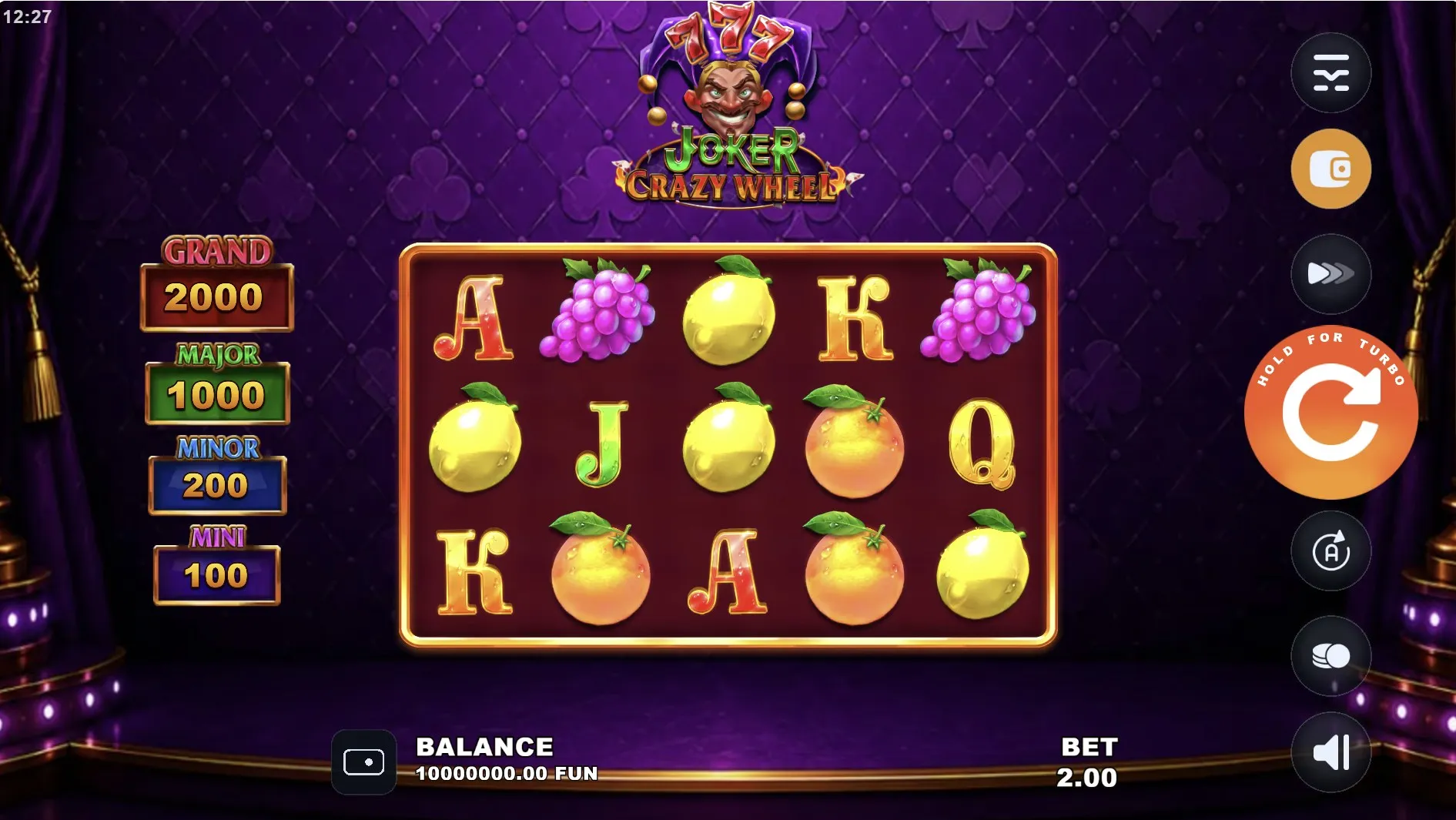
Find the screen boundary
The site header, article links and cookie notice belong to the surrounding page. The game displayed within that page has its own interface. A menu in one area need not control the other. When the screen is crowded, first decide which area contains the button you want. This simple pause helps you avoid treating a page navigation link as a way to close a game panel.
A change in screen orientation can make that boundary easier or harder to see. Let the layout settle before choosing a control, and use the orientation that leaves labels readable. Fullscreen, where the player offers it, is a viewing option rather than evidence that progress has been saved. Know how to leave that view before depending on it during a browser game session.
| Area | What to check |
|---|---|
| Site navigation | The destination of a page link. |
| Embedded player | The meaning of the game control. |
| Browser interface | Whether an action reloads or closes the page. |
A calm return to the controls
After an interruption, a familiar background does not tell you whether a round has finished. Look for readable labels and wait for movement to settle. If the game presents a message, read it before dismissing it. A blank or unresponsive area is a reason to pause, not an invitation to tap repeatedly and hope that one of the touches reaches the right control.
- Confirm that the page and game title match the session you meant to revisit.
- Identify any open help panel, message or unfinished animation.
- Check the visible settings before beginning another action.
- If the display remains unclear, stop and use the available help rather than guessing.
Make the next tap deliberate
Small controls can sit close together on a phone. Rest the device securely and move your hand away while reading. If a label is too small, check the available viewing options while the game is idle. Changing page zoom may affect the surrounding site differently from the embedded player. Judge the result by what you can actually read, rather than assuming every element resized.
- Keep the game’s information control within easy reach.
- Avoid changing several viewing settings at the same time.
- Leave a browser game session when the screen is no longer comfortable to use.
Ask what has actually been saved
DailyChanceGather’s policy text describes local storage for progress and preferences. That statement should not be stretched into a guarantee about every state inside an embedded game. A remembered cookie choice, a visible balance and an unfinished feature are different things. Seeing one restored does not establish that the others were stored in the same place or for the same length of time.
Do not clear browser data as a casual first step when you want to keep local progress. A reload also should not be described as a guaranteed recovery method. If you need to report a display problem, note the game title, device, browser and what happened just before it. Keep private messages and unrelated personal details out of any description or image you choose to share.
For questions about a symbol rather than the page, return to reading social casino feature descriptions. If a friend is waiting, sharing game discoveries with friends explains why a pause need not interrupt the company. You do not have to solve every display question before moving on with the evening.
Author’s opinion
I prefer a browser game session that is easy to leave and easy to understand on return. When the screen is uncertain, slowing down is more useful than repeating a tap. A clear label and a comfortable view matter more to me than keeping an animation moving. If I cannot tell what the next action will do, I am happy to close the activity and come back another time.